Choose a gaming screen size
Continue to the next decision in the screen-selection process.
For gaming, the screen's job is to preserve contrast and scale without forcing the room into total darkness every time you pick up a controller.
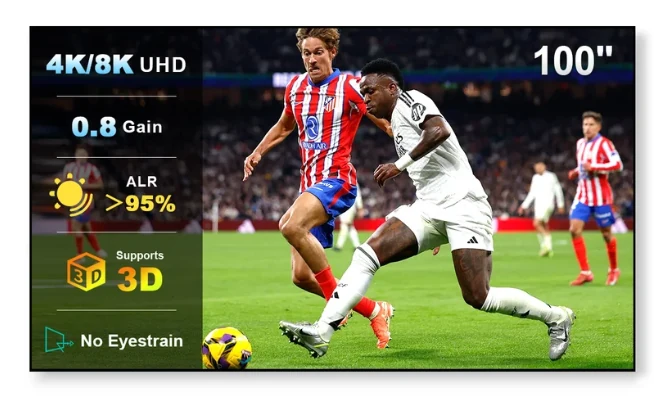
A passive fixed projector screen does not process the video signal. Gaming latency is primarily determined by the projector, console/PC settings and any AV processing in the chain. The screen affects brightness, contrast, viewing angle and perceived image quality.
Gamers often keep some light on for social play, snacks, keyboards or general comfort. In that environment, an ALR screen designed for the projector's throw can help protect perceived contrast better than a basic white surface.
Fast, bright game scenes benefit from punchy highlights and readable shadow detail. A huge screen spreads the available light across more area. If you are choosing between 100 and 130 inches, projector output and room light should break the tie.
Local multiplayer and social gaming put people off-axis. The featured NothingProjector screen lists a 170° viewing angle, a useful specification to consider for wider seating. Real-world uniformity still depends on installation and room geometry.
Compare the 100–130 inch NothingProjector ALR screen if ambient light is a recurring part of the room.
Check Current Price & Availability