Bright-room projector screens
Start with the room-light problem.
Read guide →Use these guides to narrow the screen by room light, image size and use case before comparing individual products.
Start with the room-light problem.
Read guide →Match image size to wall, seats and projector output.
Read guide →Daytime viewing and wider seating.
Read guide →Scale, ambient light and viewing angle.
Read guide →Understand the material tradeoffs.
Read guide →Move from category choice to product fit.
Read guide →Do not start with a brand. First decide what kind of room you have, what projector throw you use and how large an image the wall and projector can support. Then compare products that fit those constraints.
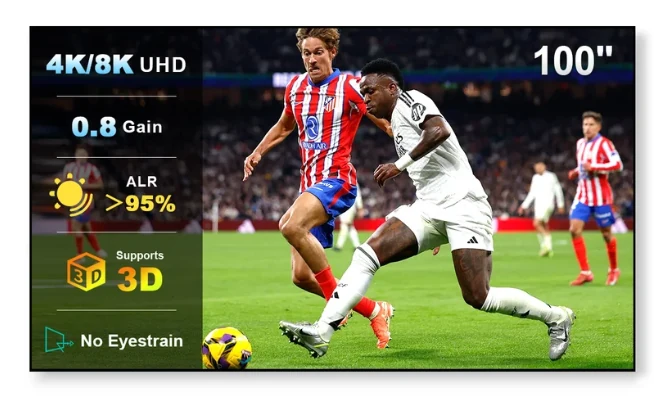
For the featured NothingProjector product, the strongest fit is a standard/long-throw setup that needs a fixed 100–130 inch ALR screen for a room with meaningful ambient light.
See the featured NothingProjector model and current merchant offer.