General projector screen sizing
Continue to the next decision in the screen-selection process.
All three listed sizes use the same product family. The real decision is whether your wall, seating distance and projector output support the larger image without forcing an awkward installation.
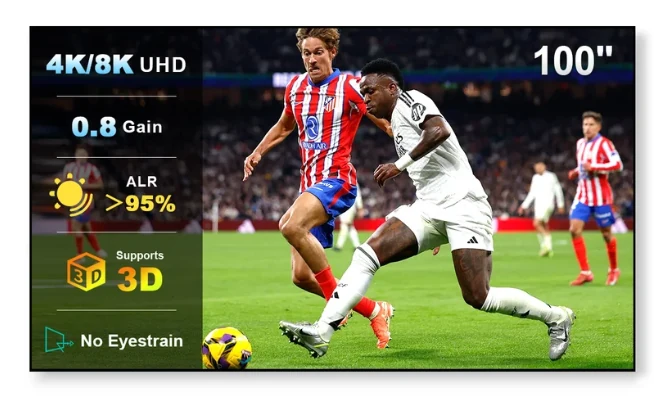
Diagonal size can be deceptive. The table below converts the advertised diagonal into approximate image width and height for a 16:9 screen. Final outer-frame dimensions may be larger, so confirm the merchant's installation drawing before drilling.
| Diagonal | Approx. image area | Approx. metric | Best fit |
|---|---|---|---|
| 100" | 87.2" × 49.0" | 221.4 × 124.5 cm | Smaller living rooms / closer seating |
| 120" | 104.6" × 58.8" | 265.7 × 149.4 cm | Large living rooms / home theater |
| 130" | 113.3" × 63.7" | 287.8 × 161.9 cm | Maximum immersion with enough wall width and projector output |
You want a clearly cinematic image but need to protect wall space, speaker placement or comfortable seating. A 100-inch screen also asks less of projector brightness than a 120- or 130-inch image because the same light is spread over a smaller area.
120 inches is the natural middle ground for a larger living room or home theater: visibly bigger than 100 inches without the wall-width demands of 130. It can be especially attractive for sports and gaming where the scale is part of the experience.
Choose 130 only when the room and projector support it. Check lens-to-screen throw distance, usable wall width, ceiling height, speaker positions and whether your projector remains bright enough at that image size. The manufacturer recommends at least 2,000 ANSI lumens for this screen family, but real brightness needs still depend on room light and projector calibration.
The merchant page is the place to confirm current stock, regional pricing and the exact dimensions of the size you want.
Check 100 / 120 / 130 Inch Options